
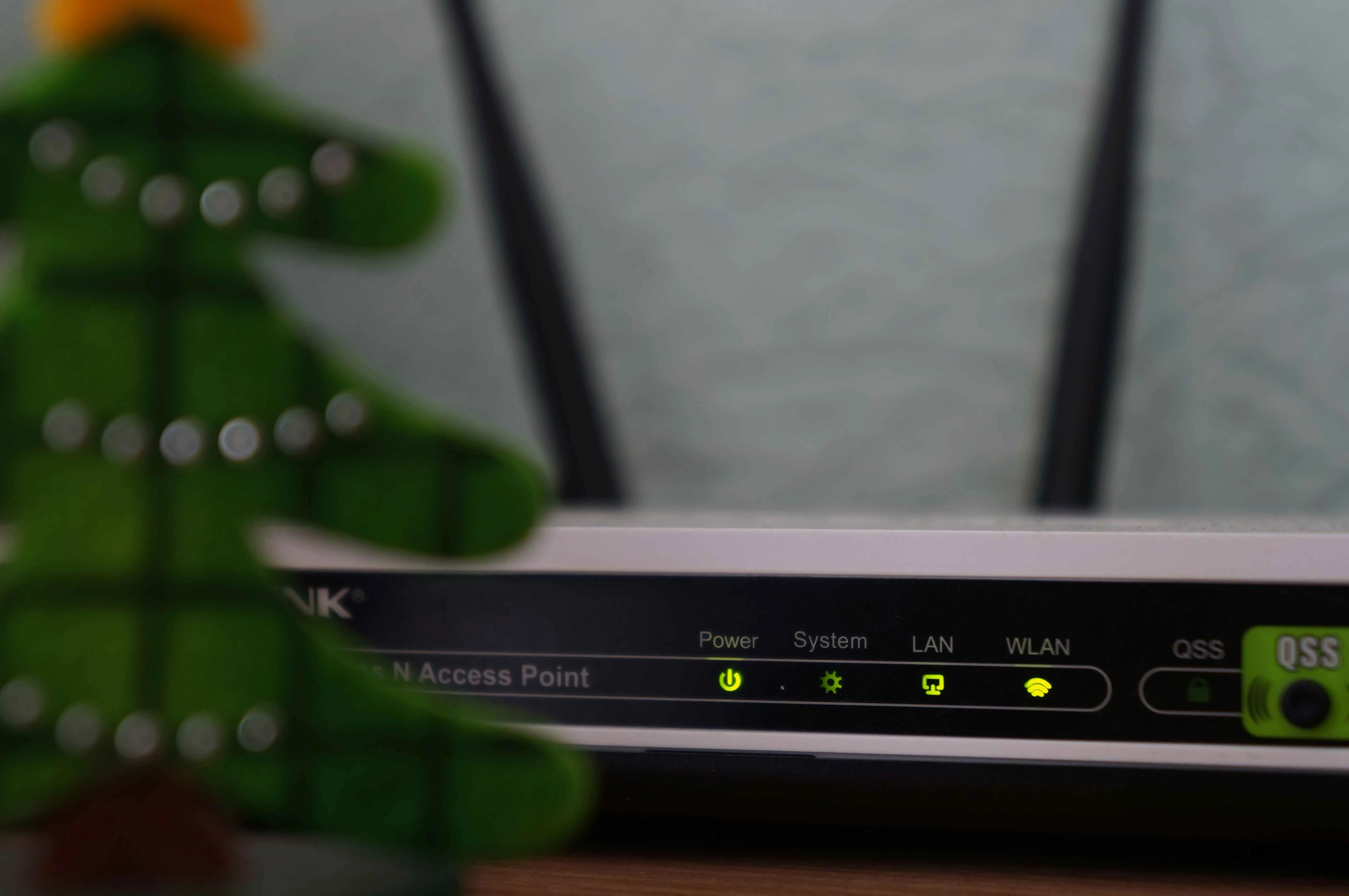
How to Power a Router with a Power Bank
During power outages, the internet connection often remains available — you just need to supply power to your Wi-Fi router and the fiber terminal from your internet provider. That’s why setups like router powered by a power bank have become increasingly popular in outage-prone regions.
Below is a simple and proven way to power a router during a power outage, without inverters or complex setups.
What You Need to Keep Internet Running
You only need a few basic components:
- Power bank for the router (20,000 mAh or larger is recommended)
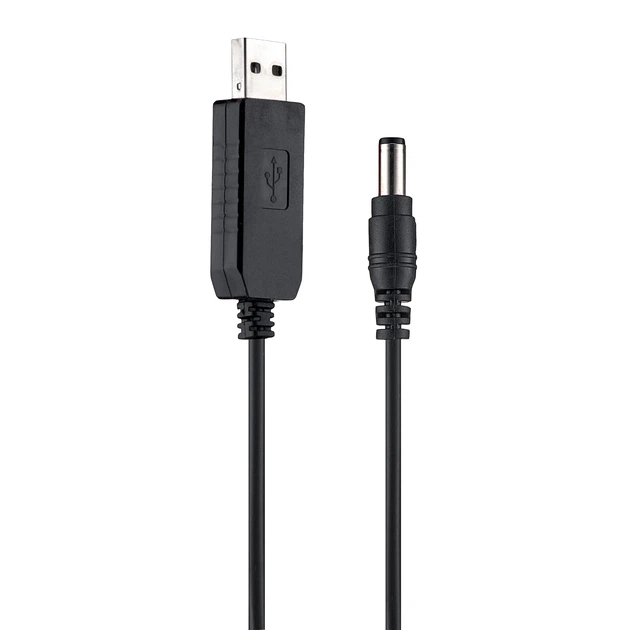
- A single USB → DC cable with built-in voltage boost to 9V or 12V
(USB on one end, 5.5×2.1 mm barrel connector on the other)
This cable connects directly to your router or fiber modem — that small box where the fiber optic cable enters your home. (Your ISP might call it an ONT or ONU.)
Most home routers run on 9V or 12V, while fiber modems almost always require 12V power.
You can find the required voltage printed on the original power adapter (Input).
Why Use a USB → 12V Cable
A standard power bank outputs 5V, but routers require higher voltage.
A USB → 12V cable includes a built-in DC-DC converter that boosts the voltage to the level your router needs.
This approach is simple and practical for short-term use:
- powers the router directly from a power bank
- avoids inverter losses
- provides stable DC power
- no configuration or setup required
Overall, this is the easiest and most efficient temporary solution for a few hours of runtime.
Real-World Setup Example
Here’s how the setup looks in practice:
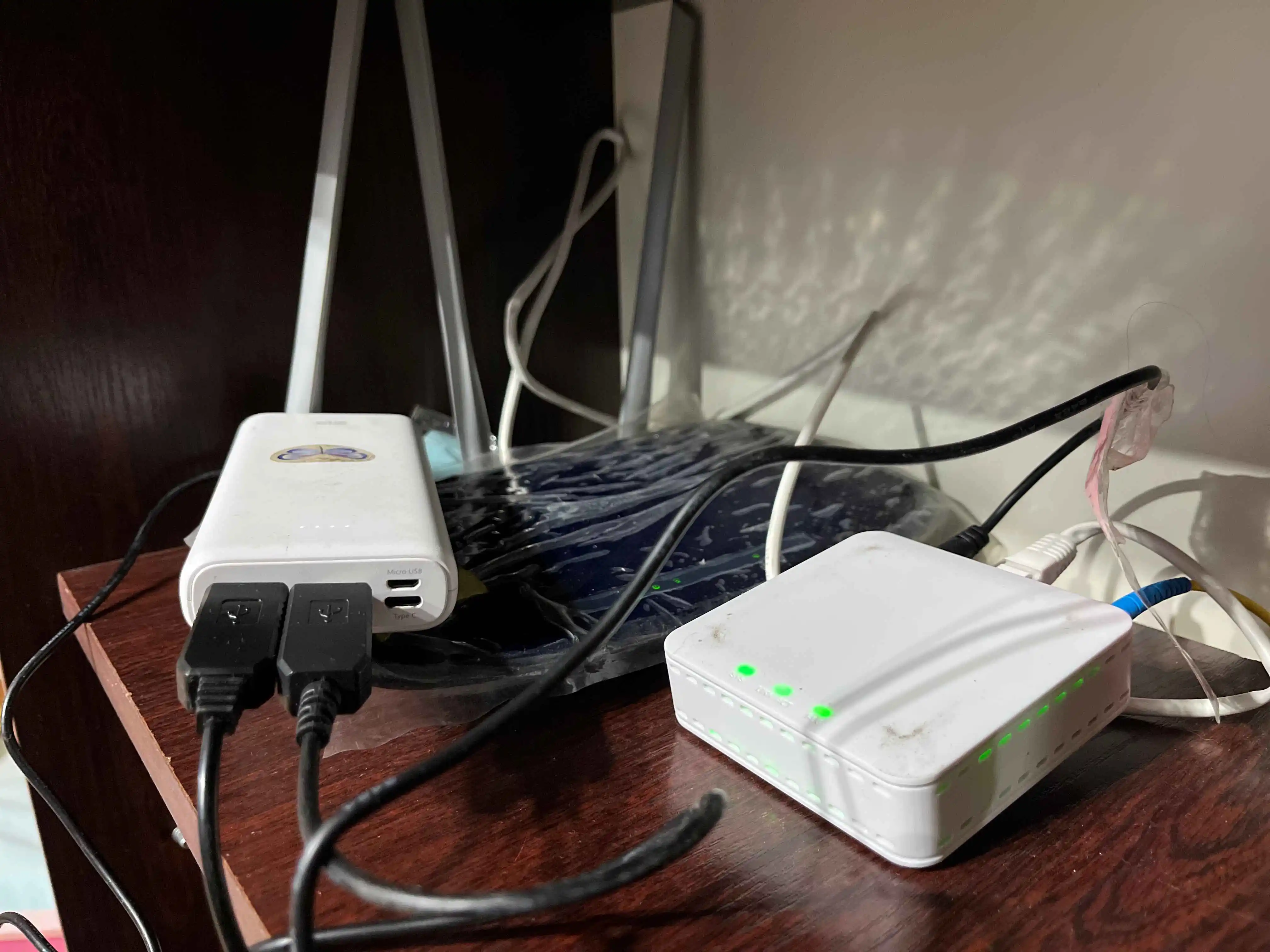
The power bank connects to the router and fiber modem using a USB → 12V cable.
Once connected, the internet usually comes back online automatically.
How Long Will a Router Run on a Power Bank?
Typical power consumption:
- Wi-Fi router: 8–10W
- Fiber modem (ONT/ONU): 5–7W
Total: 12–15W
Approximate runtime:
- 20,000 mAh power bank → 4–6 hours
- 30,000 mAh power bank → up to 8 hours
Actual runtime depends on the efficiency of the power bank and the cable.
You can estimate your own setup using the BatteryRuntime Calculator.
Useful Notes
- Always check your router’s required input voltage (printed on the adapter)
- Make sure the cable is USB → 9V or USB → 12V, not a standard USB cable
- The most common connector size is 5.5×2.1 mm
Conclusion
When the power goes out, a power bank paired with the right USB → 12V cable can keep your router running for several more hours.
It’s a simple and effective temporary way to stay online during power outages without complicated equipment.
Also Useful
- Estimate your setup runtime with the BatteryRuntime Calculator
- Learn how to power Starlink efficiently
Last updated: December 2025