
How to Power Starlink Mini with Battery
Keep your Starlink Mini running anywhere - no AC outlet required. Whether you’re living the van life, camping in remote areas, or preparing for power outages, here’s everything you need to power your Starlink Mini from batteries.
Why Battery Power for Starlink Mini?
If you’re reading this, you likely need reliable internet without access to grid power and are looking for a practical way to run Starlink Mini from a battery.
This is a common scenario for RV travelers, campers, and anyone preparing for power outages where cellular internet is unreliable or unavailable. Powering Starlink Mini directly from a battery provides reliable internet without generator noise, campground hookups, or access to grid power.
The cool thing about Starlink Mini is it runs directly off 12V batteries - no inverter needed. That means less power wasted and longer runtime. Which is exactly what you want when you’re off-grid.
Starlink Mini Power Specs
Here’s what makes the Mini special for battery power:
- Power consumption: 25-40W active use, ~15W idle
- Voltage range: Accepts 12V to 48V DC natively (no converter needed!)
- Connector: 5.5mm x 2.1mm DC barrel jack (standard size)
- Peak draw: Up to 60W
- Important: While Starlink Mini supports 12–48V DC, the battery must provide stable voltage under load. Weak cables or nearly depleted batteries can cause voltage drops and unexpected reboots.
Why this matters: Most Starlink models need converters to run on DC power. The Mini doesn’t. It’s designed for exactly this use case.
Note on voltage: While Mini accepts 12-48V, most people use 12V (standard RV/marine batteries). If you have a 24V setup (two 12V batteries in series), that works too - Mini handles the full range.
Best Ways to Power Starlink Mini Off-Grid
Option 1: Direct 12V Battery Connection
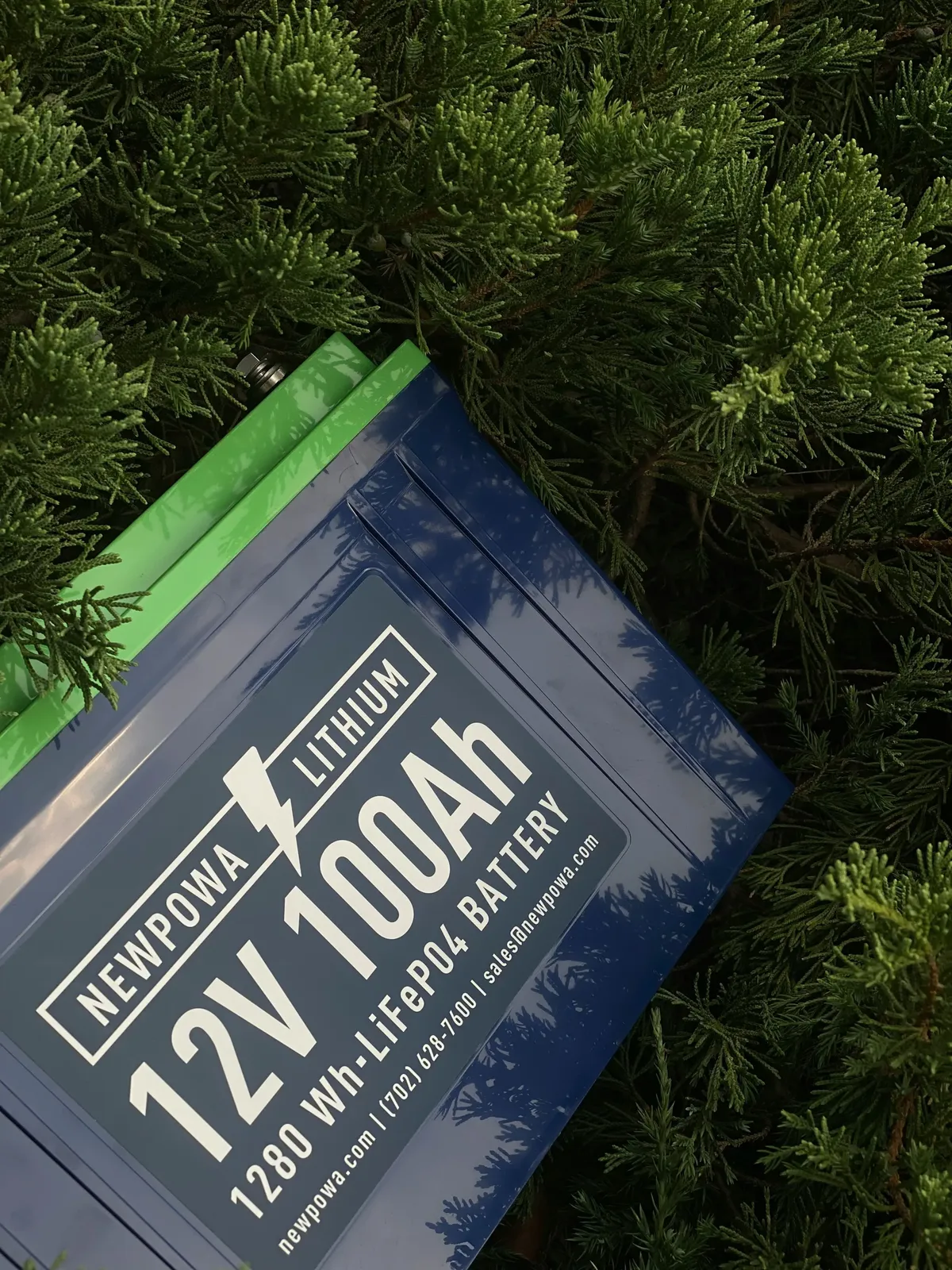
This is the most efficient way to power your Mini. You’re feeding it DC power directly, so there’s no energy wasted converting voltages.
What you need:
- 12V LiFePO4 battery (50Ah minimum for decent runtime)
- DC barrel cable - 5.5mm x 2.1mm connector on both ends
- Inline fuse holder + 10A fuse (safety!)
How to connect:
- Connect positive cable to battery positive terminal
- Add inline fuse on positive wire (close to battery)
- Connect negative cable to negative terminal
- Plug barrel connector into Starlink Mini
- Check that LED lights up on Mini
This method gives you the longest runtime per watt-hour of battery capacity - about 95% efficiency with minimal power loss. It’s also the cheapest option if you already have batteries, and you can easily scale up by adding more batteries for longer runtime.
The downsides? You need to get the polarity right (mix up positive and negative and you’ll damage your Mini), and you need some basic electrical knowledge to set it up safely. You’ll also need to charge the battery separately using solar, shore power, or your vehicle’s alternator.
Typical runtime:
- 12V 100Ah battery (1200Wh): ~28-30 hours
- (assuming ~35W average draw and ~90% usable capacity)
Want exact numbers for YOUR battery? Use our Battery Runtime Calculator - just select “Starlink Mini” and enter your battery specs.
For RV/Vehicle installations: If you’re in an RV or boat with existing house batteries, you can hardwire directly to your 12V distribution panel. Add a 10A fuse and run cable to wherever you mount the Mini. For quick testing, a cigarette lighter to DC barrel cable works too - just don’t rely on it long-term (loose connections).
Car camping note: Don’t run Mini from your car’s starter battery unless engine is running - you’ll drain it and won’t be able to start your car. Use a separate house/auxiliary battery.
Pro tip: Get a LiFePO4 battery, not lead-acid. Yeah, it costs 2-3x more upfront. But it’ll last 10 years instead of 2 years, and you can use 90% of its capacity vs only 50% for lead-acid. Do the math - LiFePO4 wins.
Option 2: Portable Power Station
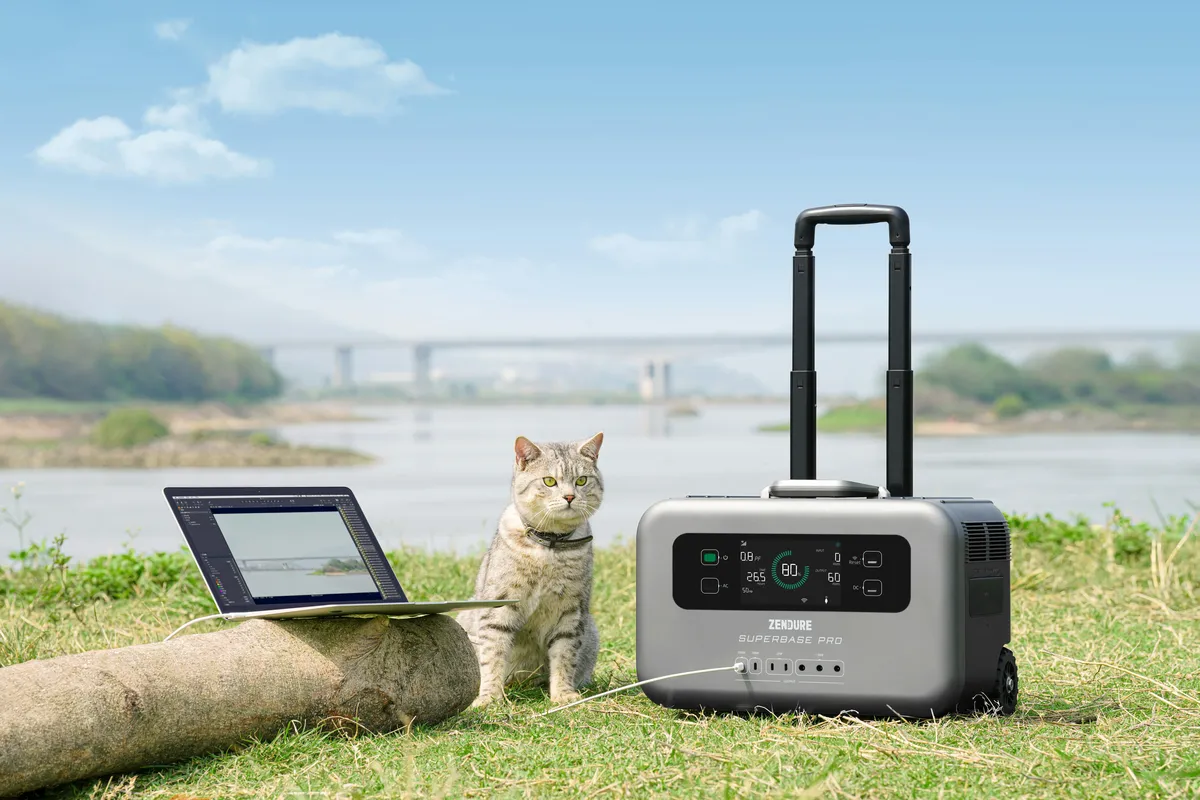
Power stations are basically big battery packs with outlets built in. Plug-and-play, no wiring needed.
Two ways to connect:
Method A: AC outlet (universal)
- Plug Mini’s original AC adapter into power station
- Works with any power station that has AC outlets
- Less efficient (inverter wastes ~15-20W)
Method B: USB-C PD port (more efficient)
- Get USB-C to DC barrel cable with built-in PD trigger
- Your power station needs 100W+ USB-C PD output
- More efficient, saves 15-20W
Some power stations also provide a 12V DC output rated around 100–130W. While this is technically enough for Starlink Mini, these ports are often optimized for intermittent loads rather than continuous, sensitive devices. In practice, USB-C PD or the AC outlet tends to be more tolerant of short power spikes and voltage dips, resulting in fewer unexpected reboots.
This is by far the easiest option - zero technical knowledge required, just plug it in and go. You can also charge your phone, laptop, and other devices from the same unit. Most power stations have built-in battery management systems, so they’re safe and reliable. Many also support solar panel charging, which means you can extend your runtime indefinitely on sunny days.
The tradeoffs? Power stations cost more than bare batteries. If you use the AC outlet method, you’ll lose some efficiency to the inverter (which also has an idle draw that reduces runtime). But for most people, the convenience is worth it.
Typical runtime:
- 500Wh power station: ~8-10 hours (AC) or ~11-13 hours (USB-C)
Calculate your exact runtime with our Battery Runtime Calculator - works for power stations too!
About solar charging: Most portable power stations can connect to solar panels for recharging. This extends your runtime indefinitely in sunny conditions - just set up panels during the day to recharge while you use Mini.
Pro tip: If your power station has both AC outlet and 100W USB-C PD port, use the USB-C method. You’ll save 15-20W of power that would otherwise be wasted by the inverter. That’s an extra 2-3 hours of runtime!
Practical Setup
Starlink Mini is refreshingly simple to power off-grid. You don’t need an inverter, special converters, or proprietary cables. A stable 12V battery, a short DC cable, and basic fuse protection are enough for a reliable setup.
In practice, most users run the Mini directly from a 12V LiFePO4 battery using a standard 5.5×2.1mm DC barrel connector. Unlike larger Starlink models that rely on proprietary power cables, the Mini was specifically designed to accept direct DC input. This avoids conversion losses and gives the longest possible runtime.
Minimal setup checklist:
- 12V LiFePO4 battery (50–100Ah is a good starting point)
- DC cable with 5.5×2.1mm barrel connector (center positive)
- Inline 10A fuse on the positive wire
- Short, reasonably thick cable (18AWG minimum)
Connect positive through the fuse, double-check polarity, plug it in — the Mini typically boots within 2–3 minutes. That’s it.
Common Questions
Can I use a 24V battery system?
Yes. Starlink Mini accepts 12–48V DC natively, so 24V systems work without converters or step-down modules.
Will a regular car battery work?
It will work, but it’s not a good long-term solution. Starter batteries are designed for short, high-current bursts, not continuous loads like Starlink. A deep-cycle or LiFePO4 battery will last much longer.
What happens if polarity is wrong?
Best case: the Mini doesn’t power on. Worst case: permanent damage. Always confirm that the barrel connector is center-positive before plugging it in.
How long will a small power bank last?
A typical 10,000mAh power bank (~37Wh) runs Starlink Mini for less than an hour. For practical use, you’re looking at power stations or batteries in the 200Wh+ range.
Can I power other devices from the same battery?
Yes — just account for total load. Starlink Mini averages ~25–40W. Add laptops, lights, or routers accordingly when sizing your battery.
Next Steps
Calculate your exact setup: Use our Battery Runtime Calculator to find out exactly how long YOUR battery will last with Starlink Mini.
How to power a Wi-Fi router during a power outage Wi-Fi + powerbank
Questions? Email us at contact@batteryruntime.com - we’re here to help!
Last updated: December 2025